Your FastAPI Endpoint Is 3 Lines. Your Request Takes 10 Steps.
Follow one HTTP request through FastAPI: Uvicorn, ASGI, middleware, routing, dependencies, Pydantic validation and response models. Debug faster.
📚 Part 3 of the Ship It series.
Here's an endpoint:
@app.get("/orders")
def list_orders():
    return {"orders": []}
Three lines. Looks simple.
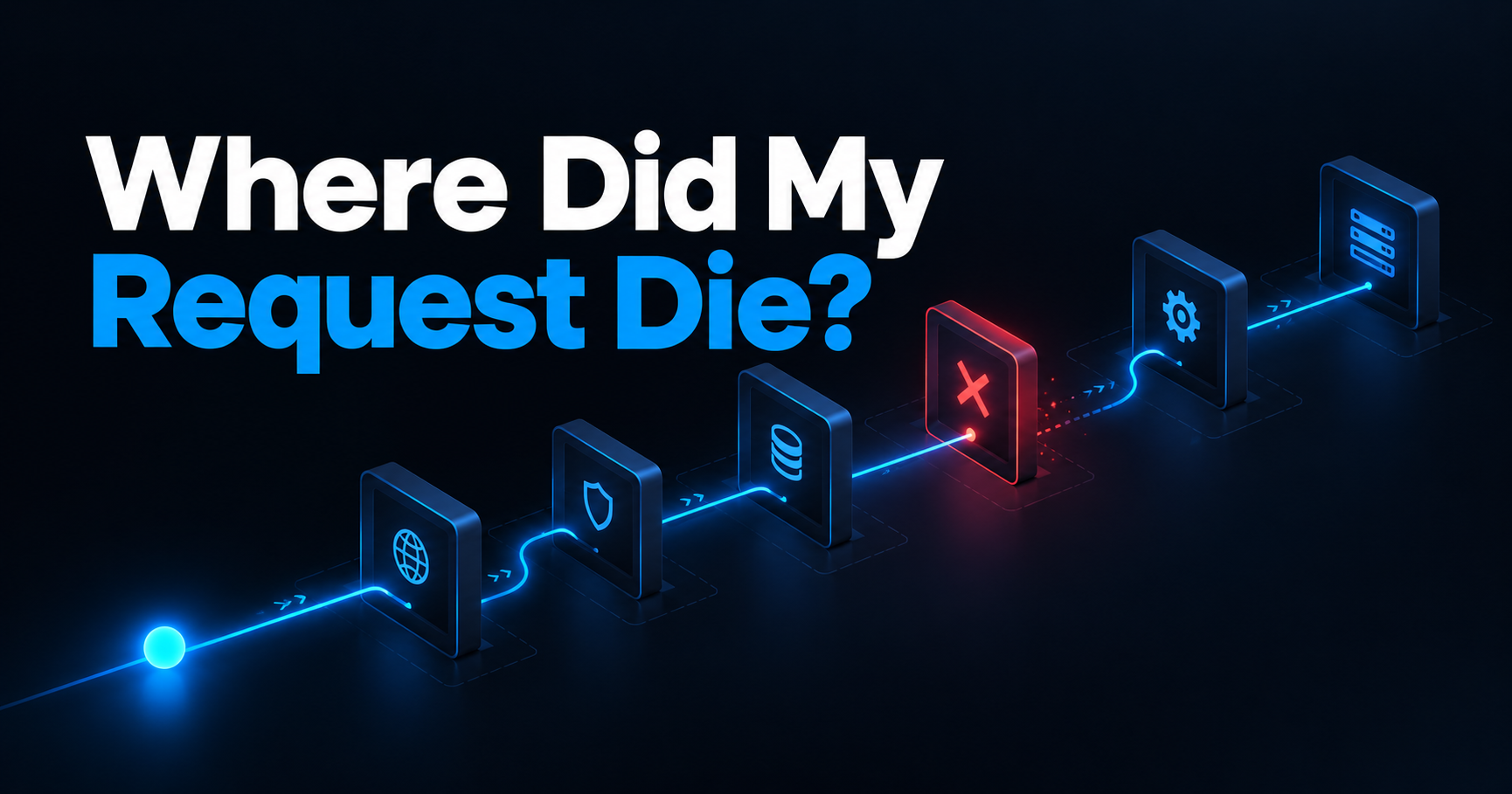
But when a request hits GET /orders, your function is only one stop on a much longer trip. Before it runs, the request passes through a server, a middleware stack, a router, dependency resolution and validation. After it returns, it goes back through several of those layers.
Why care? Because when an API misbehaves, most of us only debug the endpoint. And the bug is often somewhere else. 🕵️
Let's follow one request all the way through.
The map 🗺️
Client
  ↓
Uvicorn              ← receives the HTTP request
  ↓
Middleware stack     ← CORS, auth, logging, error handling
  ↓
Routing              ← which function handles this?
  ↓
Dependencies + validation  ← DB session, current user, Pydantic checks
  ↓
Your endpoint        ← business logic
  ↓
Response model       ← validate and serialize the output
  ↓
Middleware stack     ← headers, compression, logging
  ↓
Uvicorn              ← sends the HTTP response
  ↓
Client
Now let's walk it.
Stop 1: Uvicorn, the front door 🚪
The client (a browser, a React app, Postman, a mobile app, another service) sends GET /orders.
Uvicorn receives it. It's the ASGI server that sits at the edge of your app.
FastAPI is the framework. Uvicorn is the server that runs it.
Uvicorn hands the request to your app through ASGI as three things:
scope   → metadata: method, path, headers
receive → body bytes, possibly in several chunks
send    → how the app sends the response back
So the request isn't one big Python object. It's metadata plus a stream of events.
Stop 2: Middleware, the security desk 🛂
Middleware wraps your whole app. Every request goes through it on the way in, and every response goes through it on the way out:
   REQUEST
      ↓
┌────────────┐
│ Middleware │  ← can inspect, modify or reject
└─────┬──────┘
      ↓
  Your app
      ↓
┌─────┴──────┐
│ Middleware │  ← can add headers, log, compress
└─────┬──────┘
      ↓
   RESPONSE
A classic example that measures how long each request takes:
import time
from fastapi import FastAPI, Request

app = FastAPI()

@app.middleware("http")
async def add_process_time(request: Request, call_next):
    start = time.perf_counter()
    response = await call_next(request)   # everything else happens in here
    response.headers["X-Process-Time"] = f"{time.perf_counter() - start:.4f}"
    return response
Everything above call_next runs before your route. Everything below runs after.
Typical jobs for middleware: CORS, logging, GZip compression, trusted hosts, HTTPS redirects, and catching errors.
🧠 Quiz: does the middleware run?
You add the timing middleware above. Then someone requests a URL that doesn't exist:
GET /this-route-does-not-exist
The response is a 404. Does your middleware still run, and does the 404 response get the X-Process-Time header?
Think about it. 👇
.
.
.
Yes to both. Middleware wraps routing, so the request passes through middleware before FastAPI even looks for a matching route. The 404 is created inside, then travels back out through your middleware like any other response.
That's why middleware is the right place for anything that must apply to every request, including the ones that fail.
Stop 3: Routing, finding the right desk 🧭
Now Starlette's router matches the method + path against your registered routes:
GET /orders        → list_orders()
GET /order/status  → get_order_status()
GET /nope          → no match → 404
Method matters too. A POST /orders with only a GET route returns 405 Method Not Allowed.
Stop 4: Dependencies and validation, the paperwork 📋
Before your function runs, FastAPI works out everything it needs and checks that the incoming data is valid.
Dependency injection
Instead of doing setup inside every endpoint:
def list_orders():
    # read the token
    # check the user
    # open a DB connection
    # ...finally, fetch orders
you declare what you need:
from typing import Annotated
from fastapi import Depends

def get_current_user():
    return {"username": "faran"}

@app.get("/orders")
def list_orders(user: Annotated[dict, Depends(get_current_user)]):
    return {"user": user, "orders": []}
FastAPI builds a dependency tree, resolves it, and passes in the results:
/orders
 ├── current_user → auth_token
 └── db_session   → database_engine
Your endpoint stays focused on business logic.
Pydantic validation
At the same stage, FastAPI checks the request data against what you declared:
from pydantic import BaseModel, EmailStr

class LoginRequest(BaseModel):
    email: EmailStr
    password: str
Send "email": "not-an-email" and your endpoint never runs. The client gets a 422 with a clear error message.
Request → validation ❌ → 422 response
                          (endpoint skipped)
Stop 5: Your endpoint, finally 🎯
Now your function runs. Query the database, process the order, call an LLM, whatever your app does.
This is the part most of us call "the API". It's actually one step out of about ten.
Remember from Part 2: plain
defendpoints run in a threadpool, andasync defendpoints run on the event loop. Don't put blocking calls inasync def.
Stop 6: Response model, the quality check ✅
You returned some data. FastAPI isn't done yet.
from pydantic import BaseModel

class Order(BaseModel):
    id: int
    item: str
    status: str

@app.get("/orders", response_model=list[Order])
def list_orders():
    return [{"id": 1, "item": "butter chicken", "status": "delivered"}]
A response model lets FastAPI:
Validate that your output matches the contract
Serialize Python objects into JSON
Filter out fields you didn't declare (handy for hiding things like password hashes 🔒)
Document the response shape in
/docs
Request validation protects your app from bad input. Response validation protects your clients from bad output.
If your code returns "id": "not-an-integer", that's your bug, not the client's. So it surfaces as a 500, not a 422.
Stop 7: Middleware again, then home 🏠
The response travels back out through the middleware stack (headers added, logs written, content compressed), then Uvicorn sends it as ASGI response events (http.response.start, http.response.body) over the network.
Round trip complete. 🎉
🎮 Game: name that layer
Each symptom points to a specific stop. Cover the answers and test yourself:
| Symptom | Where to look |
|---|---|
404 Not Found |
Routing: wrong path or prefix? |
405 Method Not Allowed |
Routing: right path, wrong HTTP method |
422 Unprocessable Entity |
Request validation: your Pydantic model |
401 / 403 before your code runs |
A dependency (auth) |
500 after your function returned fine |
Response model: output doesn't match |
| Browser shows a CORS error | Middleware: CORS configuration |
| A header is missing from the response | Middleware |
| "DB session not available" | Dependency resolution |
How many did you get without peeking? Tell me your score in the comments. 👇
Your debugging checklist 🧰
When something breaks, walk the pipeline in order instead of staring at the endpoint:
Did the client send what I think it sent?
Did the server receive it?
Did middleware change or reject it?
Did routing find the right function?
Did dependencies resolve?
Did validation pass?
Did my function behave?
Did the response match the response model?
Did middleware change the response?
Did the response actually go out?
Bonus: request lifecycle ≠ app lifespan
Easy to mix up:
Request lifecycle: what happens to one request (this whole post).
App lifespan: what happens once when the app starts and stops, like opening a DB pool or loading an ML model.
from contextlib import asynccontextmanager
from fastapi import FastAPI

@asynccontextmanager
async def lifespan(app: FastAPI):
    # startup: load model, create connection pool
    yield
    # shutdown: close connections

app = FastAPI(lifespan=lifespan)
Load your LLM client or ML model in lifespan, not inside every request.
TL;DR
Your endpoint is one stop, not the whole journey.
Uvicorn receives the request and hands it over through ASGI.
Middleware wraps everything and runs before and after, even for 404s.
Routing picks the function. Dependencies and Pydantic prepare and check the inputs.
Response models validate, filter and serialize your output.
Know the layers, and you'll know where to look when things break.
Keep digging
Your turn 💬
What's the longest you've ever spent debugging the wrong layer? A CORS error you blamed on the backend? A 422 you swore was a bug?
Share it in the comments. Everyone has one. 😅
⬅️ Previous: Can FastAPI Handle Millions of Orders? ➡️ Next: coming soon. Follow the series so you don't miss it.